Competitive Intelligence
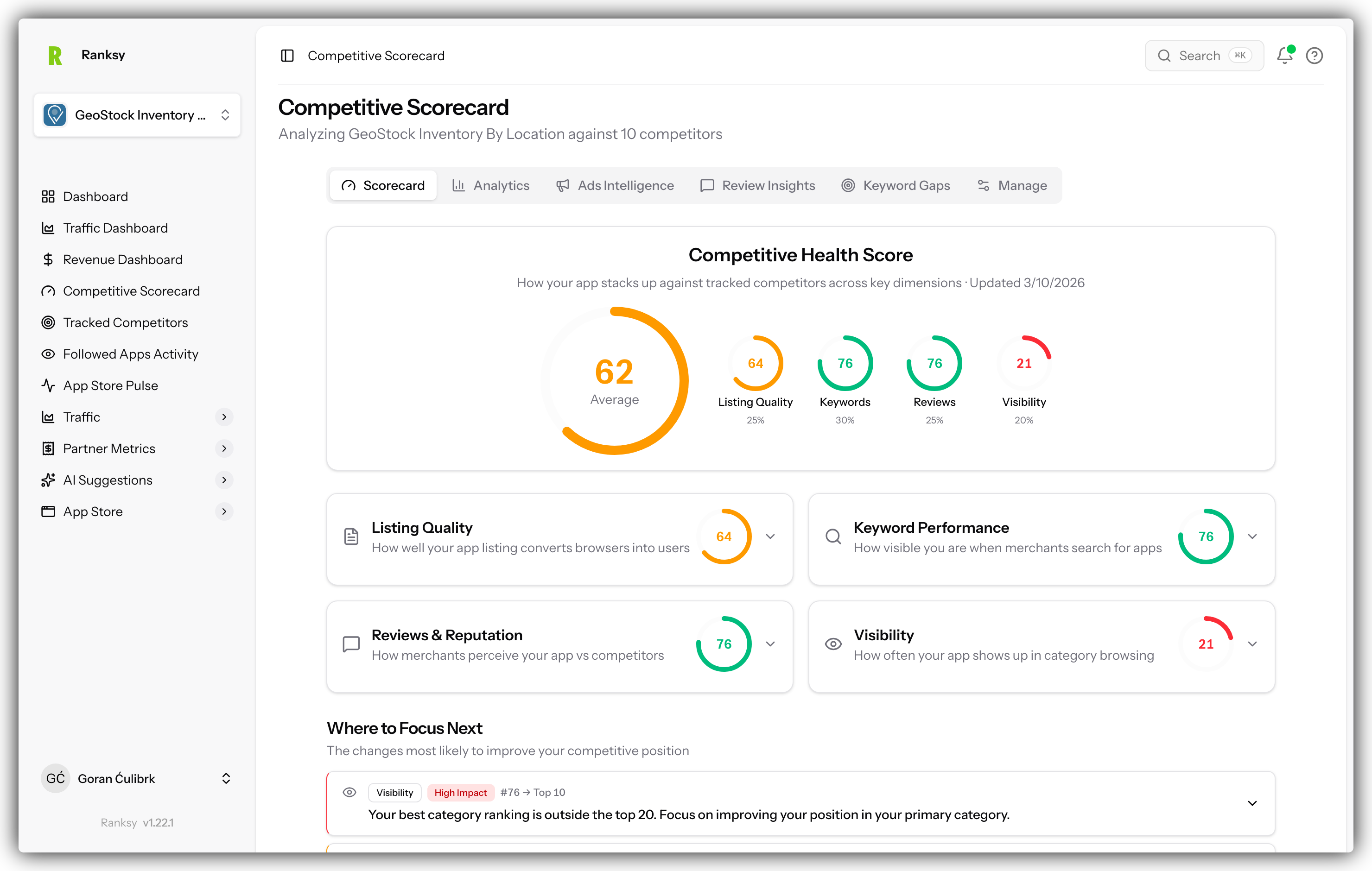
Monitor your competitors, analyze their strategies, and find opportunities to outperform them in the Shopify App Store.
Overview
The Competitive Intelligence feature gives you deep insights into your competitors by analyzing:
- Overlapping Keywords - Keywords you share with competitors
- Outranking Stats - How you perform against competitors on shared keywords
- Reviews Comparison - Compare review counts across apps
- Pricing Distribution - See how your pricing compares to the market
- Advertising Activity - Track competitor ad spend and strategies
- Review Insights - AI-powered analysis of competitor reviews
Getting Started
Prerequisites
Before using Competitive Intelligence, you need to:
- Add your app to My Apps - This is your "owned app" that competitors are compared against
- Follow competitor apps - See How to Follow an App for instructions
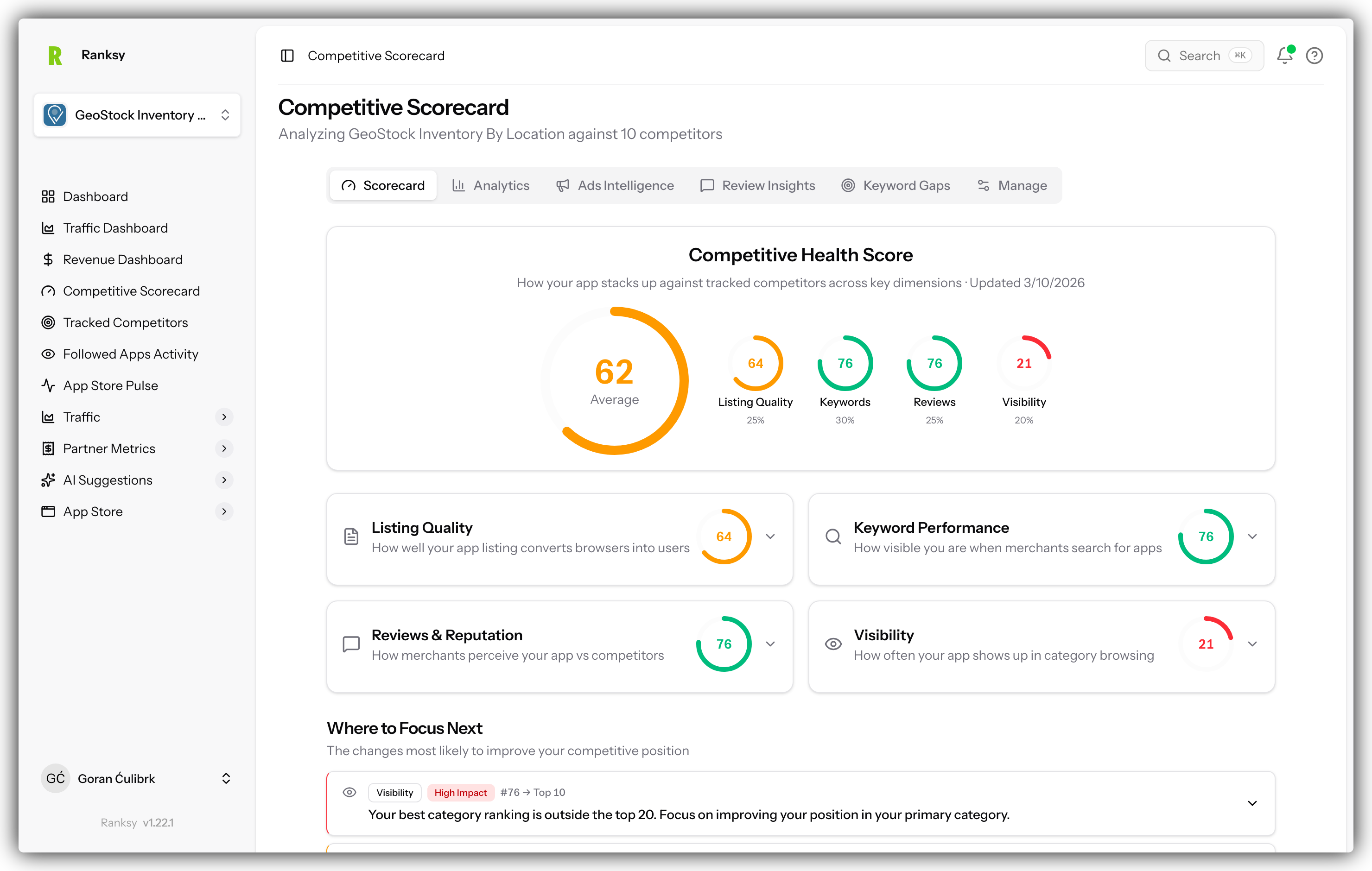
Once you have followed at least one competitor, navigate to Tracked Competitors in the sidebar to access the Competitive Intelligence dashboard.
Analytics Dashboard
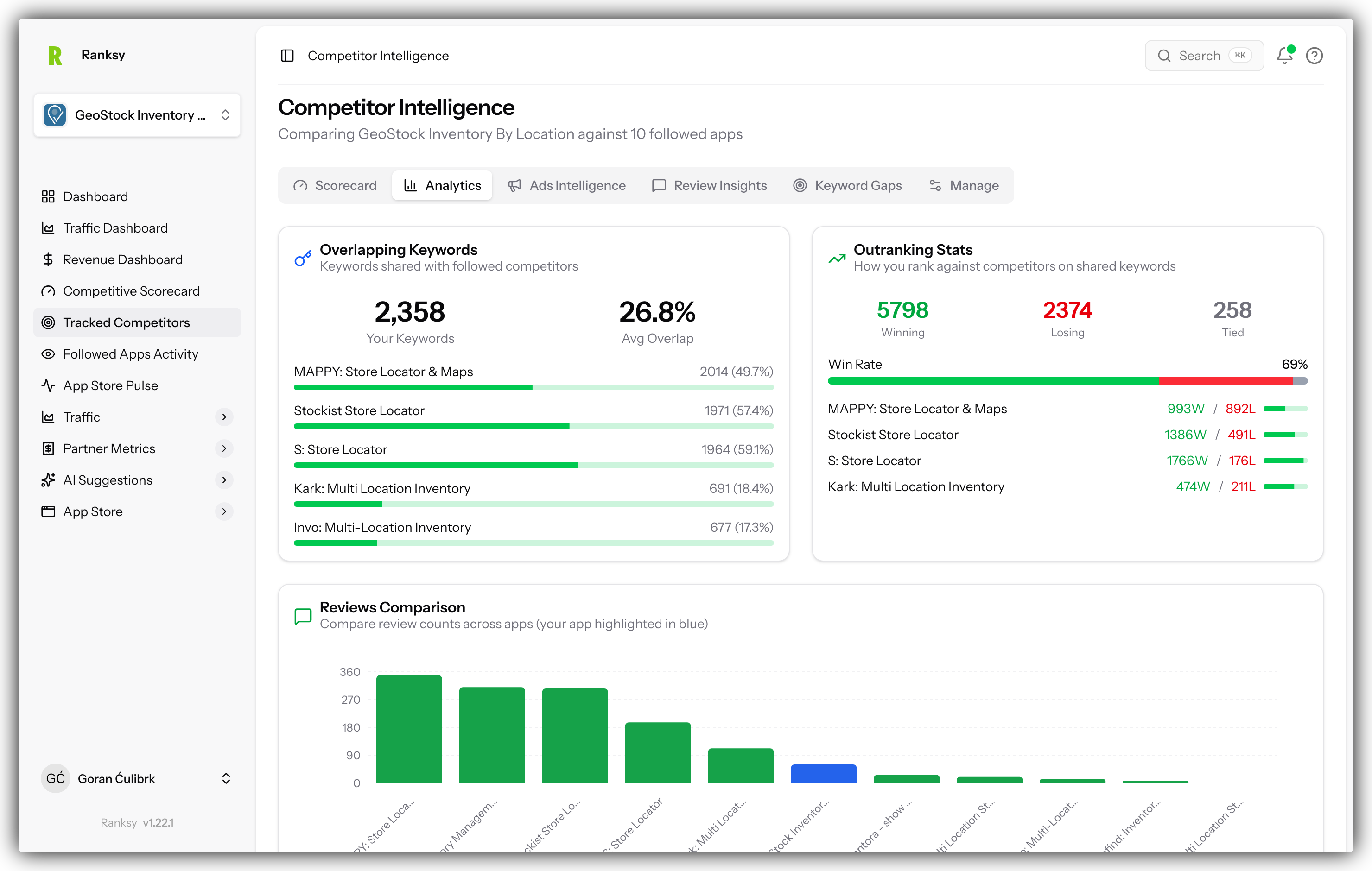
The Analytics tab provides a comprehensive overview of how your app compares to followed competitors.
 Navigate to /followed-apps
 Capture the full Analytics page showing:
 - Overlapping Keywords card
 - Outranking Stats card
 - Reviews Comparison chart
 - Pricing Distribution chart
 - Advertising Activity section
-->
Overlapping Keywords
This section shows keywords that both you and your competitors rank for.
- Your Keywords - Total keywords your app ranks for
- Avg Overlap - Average percentage of keyword overlap with competitors
- Per-competitor breakdown - See exact overlap count and percentage for each competitor
Why it matters: Overlapping keywords represent direct competition. Focus on improving rankings for these keywords to capture market share.
Outranking Stats
See how you perform head-to-head against competitors on shared keywords.
- Winning - Keywords where you rank higher than competitors
- Losing - Keywords where competitors outrank you
- Tied - Keywords where you have the same ranking
- Win Rate - Your overall win percentage
Each competitor shows their individual win/loss record against your app.
Pro Tip: Focus on keywords where you're "losing" by a small margin—these are your best opportunities for quick wins.
Reviews Comparison
A bar chart comparing total review counts across all tracked apps. Your app is highlighted in blue for easy identification.
Why it matters: Review count is a key trust signal. See how your social proof compares to competitors.
Pricing Distribution
Visual comparison of pricing ranges across all tracked apps.
- Shows min-max price range for each app
- Your app highlighted in blue
- Apps sorted by starting price
- Indicates free plans where applicable
Your position summary shows exactly where your pricing falls in the competitive landscape.
Advertising Activity
Track competitor sponsored placements over the last 30 days:
- Keyword Ads - Total keyword ad placements detected
- Category Ads - Category sponsorship placements
- Apps Advertising - How many of your tracked competitors are running ads
Click on any competitor to see which keywords they're advertising on.
Ads Intelligence
The Ads Intelligence tab provides deep insights into competitor advertising strategies.
 Navigate to /followed-apps/ads
 Capture showing:
 - Summary stats (Keywords Tracked, Keyword Advertisers, etc.)
 - Keyword Advertisers table
 - Category Advertisers table
-->
Summary Metrics
- Keywords Tracked - Total keywords being monitored
- Keyword Advertisers - Apps running ads on your tracked keywords
- Categories Tracked - Categories being monitored
- Category Advertisers - Apps running ads in your categories
Keyword Advertisers Table
Shows all apps running sponsored ads on keywords you track:
| Column | Description |
|---|---|
| App | The advertising app with logo |
| Keywords | Number of keywords they're advertising on |
| Avg. Position | Their average ad placement position |
Click any app to see the specific keywords they're targeting.
Category Advertisers Table
Shows apps running sponsored ads in your tracked categories:
| Column | Description |
|---|---|
| App | The advertising app |
| Categories | Number of categories they're advertising in |
| Avg. Position | Their average ad placement position |
Use this data to:
- Identify aggressive competitors
- Find underserved keywords with less ad competition
- Benchmark your own ad strategy
Review Insights
AI-powered analysis of competitor reviews to find opportunities.
 Navigate to /followed-apps/review-insights
 Capture showing:
 - Summary stats
 - Sentiment Distribution
 - Apps Analyzed
 - Pain Points section
 - Feature Opportunities
 - Review Samples
-->
Summary Metrics
- Reviews Analyzed - Total reviews processed by AI
- Apps Analyzed - Number of competitor apps included
- Pain Points Found - Common complaints identified
- Feature Opportunities - Potential features to differentiate
Sentiment Distribution
Visual breakdown of review sentiment across all analyzed competitors:
- Positive - Happy customers
- Mixed - Partial satisfaction
- Neutral - Factual/descriptive reviews
- Negative - Complaints and issues
Apps Analyzed
Shows which competitors have been analyzed, with review counts for each.
Pain Points
Common complaints extracted from competitor negative reviews. Each pain point shows:
- Category (e.g., "Slow Support", "Performance Issues", "Bugs Errors")
- Number of reviews mentioning it
- Percentage of negative reviews
Why it matters: These are opportunities for you! If competitors struggle with support speed, make fast support your differentiator.
Feature Opportunities
Features that customers are requesting but competitors don't offer. Build these to capture underserved market segments.
Top Complaints
Tag cloud of the most frequent complaint topics, helping you quickly identify patterns.
Review Samples
Actual negative reviews from competitors with:
- App name and logo
- Sentiment indicator
- Full review text
- Complaint tags
- Reviewer name and date
Learn from their mistakes: Study these reviews to understand what frustrates users and ensure your app doesn't have the same issues.
Analyze New Reviews
Click the Analyze New Reviews button to process recently added competitor reviews with AI analysis.
Manage Followed Apps
The Manage tab lets you view and organize all your tracked competitors.
 Navigate to /followed-apps/manage
 Capture showing:
 - Filter buttons
 - Search box
 - Table with all followed apps
-->
Filtering Options
- Categories - Filter by app category
- Reviews - Filter by review count range
- Rating - Filter by star rating
- All Apps / Built for Shopify - Filter by Shopify certification
- All Pricing - Filter by pricing model
Search
Use the search box to quickly find specific apps by name.
Apps Table
| Column | Description |
|---|---|
| App Name | App with logo, name, Built for Shopify badge, and developer |
| Rating / Reviews | Star rating and total review count |
| Pricing | Price range or "Free" |
| Owned App | Which of your apps this competitor is tracked against |
| Launched | When the app was first published |
| Last Updated | Most recent app update date |
Click column headers to sort by that field.
Best Practices
Building Your Competitor Set
Start with 5-10 direct competitors:
- Apps in the same categories
- Similar feature sets
- Comparable pricing tiers
Include market leaders:
- Top-ranked apps to learn from
- Even if different price tier
Watch rising stars:
- New apps gaining traction quickly
- Potential future threats
Weekly Review Routine
- Check Outranking Stats - Are you gaining or losing ground?
- Review Advertising Activity - Any new competitors advertising?
- Scan Review Insights - New pain points to capitalize on?
- Compare Pricing - Any competitors changing prices?
Acting on Insights
| Insight | Action |
|---|---|
| Losing on keywords | Optimize listing for those keywords |
| Competitor advertising heavily | Consider counter-advertising or focus elsewhere |
| Pain point in reviews | Highlight your solution to that problem |
| Feature opportunity | Add to product roadmap |
| Price undercut | Emphasize value, not just price |
Frequently Asked Questions
Q: How many competitors can I track? A: You can follow unlimited apps. We recommend 5-15 for actionable insights without overwhelm.
Q: How often is data updated? A: Ranking and ad data updates daily. Review insights update when you click "Analyze New Reviews".
Q: Can competitors see that I'm tracking them? A: No. Following is completely private.
Q: Why don't I see Review Insights for some competitors? A: Review analysis requires the competitor to have reviews. New apps or apps with few reviews may show limited insights.
Q: How far back does advertising data go? A: Advertising Activity shows the last 30 days of detected ad placements.
Next Steps
- Check Keyword Rankings - See detailed keyword performance
- Check Category Rankings - Monitor category positions
- Analytics Dashboard - View your own app's performance
Need help? Contact support at [email protected] or use the chat widget.